YouTube on the projector.
You control it from your laptop.
One host. Many viewers. Free.
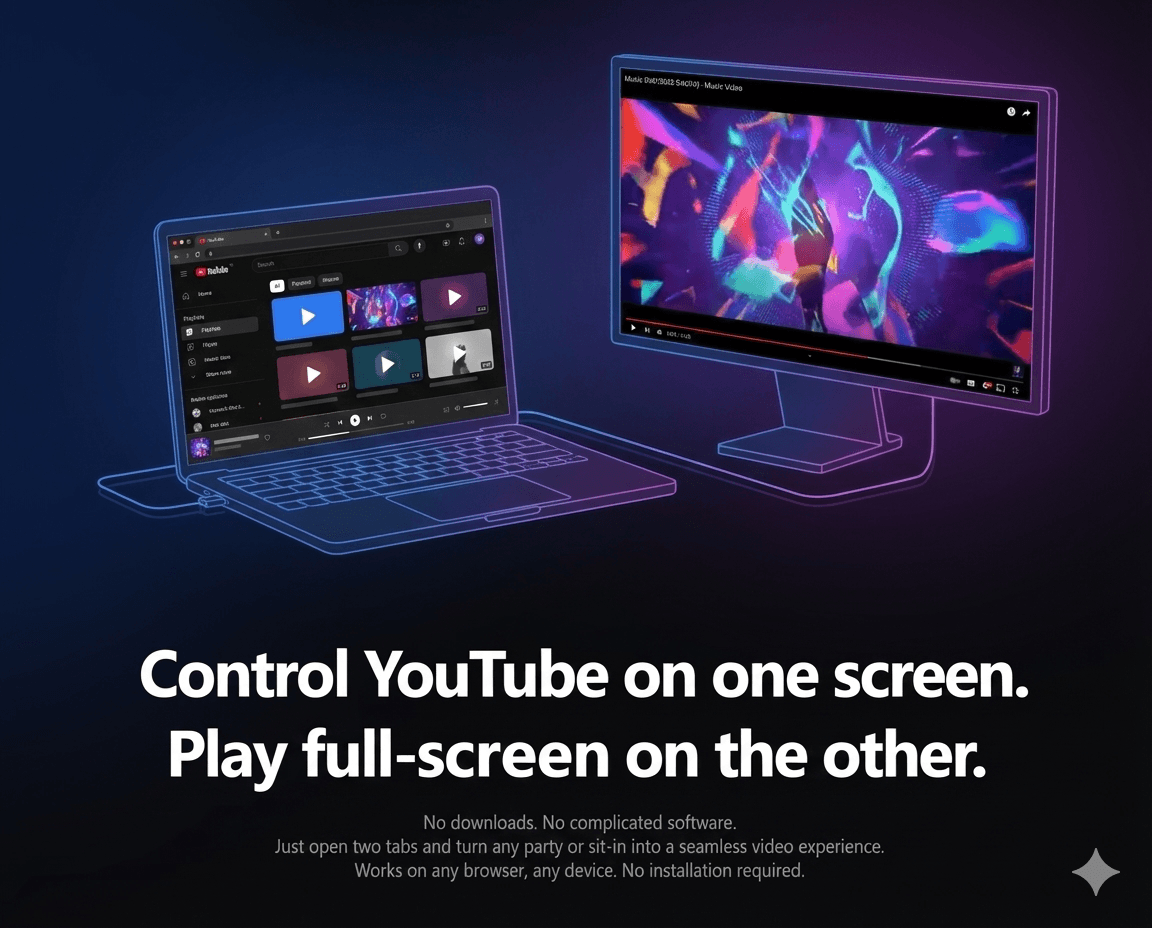
Open a Controller tab for you and a fullscreen Player tab for the audience. No downloads. No setup. Works in any modern browser. Perfect for presentations, watch parties, trainings, and collaborative viewing.
- Host controls play, pause, seek, and playlists — audience sees only the video.
- Perfect for projectors, TVs, meetings, and trainings.
- Multi-host playlist: others can help queue videos while you stay in control.
How it works
ScreenJockey splits control and playback, so you can manage YouTube without the audience seeing your clicks.
You become the host. Share the room link with anyone who should join.
Fullscreen on a projector/TV is ideal, but it also works in a second tab.
Play, pause, seek, manage playlists, and use live chat while everyone watches.
Instant Sync
Zero-latency synchronization for play, pause, and seeking actions.
Live Chat
Chat in real-time while the host controls playback.
Unlimited Rooms
Create as many rooms as you want — completely free.
Use cases
Designed for a single host controlling YouTube for a group.
Projector nights
Put the Player on the beamer/TV and keep the Controller on your laptop.
Meetings & events
Stay in control of the playlist without breaking the fullscreen experience.
Trainings & workshops
Search and queue videos while the audience keeps watching.
FAQ
Do I need a second screen or output device?
No. It also works on a single device. The best experience is Player on a projector/TV and Controller on your laptop.
Is ScreenJockey free?
Yes — it’s currently completely free.
What does the host control?
Play, pause, seek, and playlists — plus sharing a room link and live chat.
Can multiple people help build the playlist?
Yes. Others can help queue videos while one host stays in control of playback.
Does everyone need an account?
No. One host can run the experience. Others can simply watch the Player.